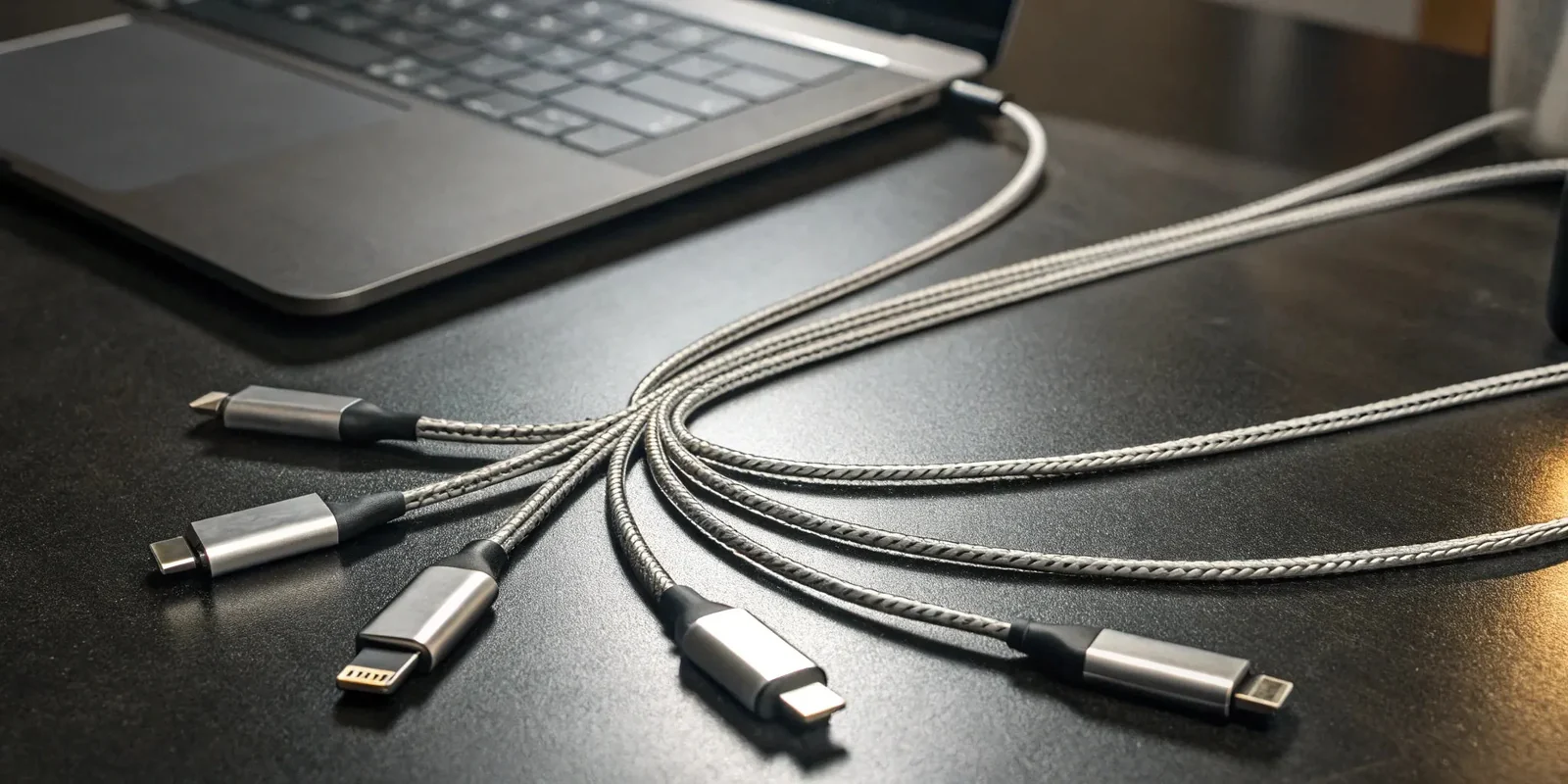
USB-C in 2026 is everywhere, but “USB-C” still doesn’t mean “all the same.” Two chargers can look identical yet behave completely differently, because charging speed and safety depend on what’s inside the brick and inside the cable. The most common problems aren’t dramatic explosions—they’re quieter and more annoying: a laptop that charges slowly because the charger can’t negotiate the right power profile, a phone that gets hot because the charger and cable are mismatched, a cable that works for data but not fast charging, or a fake “100W” cable that’s actually built like a cheap lamp cord. The lifehack is to pick wattage based on your highest-power device, choose a reputable USB-C Power Delivery charger with the right ports, match it with a properly rated cable, and then do a quick real-world test for temperature and speed. If you do that once, you stop wasting money on junk accessories and you reduce overheating risk for every device you own.
Pick safe wattage: size for your biggest device, then let USB-PD negotiate down
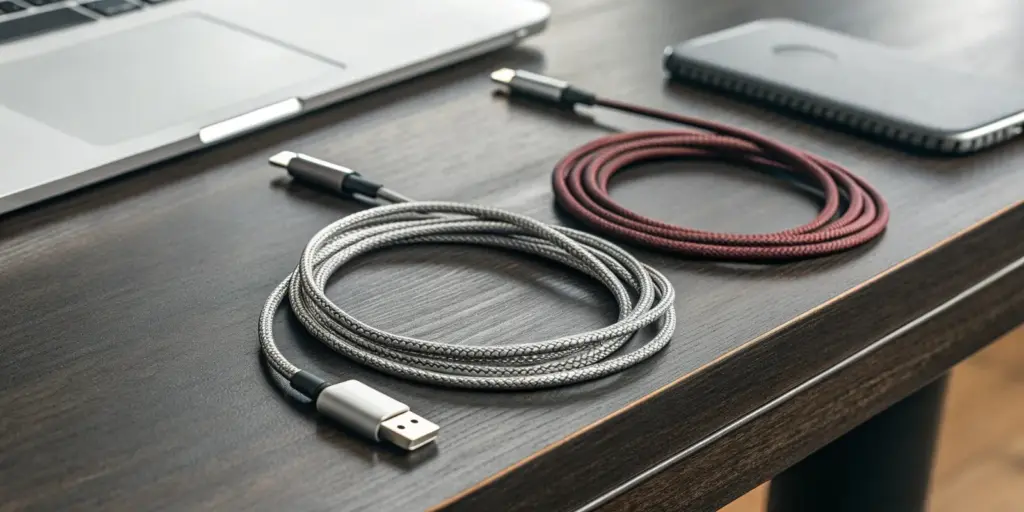
Wattage scares people because they think “more watts = more danger,” but that’s not how modern USB-C charging works. With USB-C Power Delivery, the charger advertises supported voltage/current profiles and the device requests what it can safely take. A 100W charger doesn’t force 100W into a phone; the phone will typically request something like 18–27W (or whatever it supports), while a laptop might request 45W, 65W, 90W, or more. The smart rule is: buy one good charger sized for your highest-power device, and it will safely charge everything else. Practically, if you charge only phones and earbuds, a 30–45W charger is plenty. If you sometimes charge tablets or a handheld console, 45–65W gives comfortable headroom. If you charge a laptop, check the laptop’s required wattage and aim at or above it—many modern ultrabooks are happy at 65W, while bigger models may want 90–140W via USB-C. The safety angle is heat: running a charger at its limit all the time can make it hotter and less efficient, so modest headroom is good. Also consider ports: a single-port charger can deliver its full rated output to one device; multi-port chargers may split power when multiple devices are connected, so “100W” might become “65W + 20W” depending on the design. The lifehack is choosing a charger that matches your real use: one primary high-quality charger for home or travel, then smaller secondary chargers where you don’t need maximum speed.
Cables matter as much as chargers: understand ratings, e-markers, and the “fake 100W” trap
A charger can be perfect and still charge slowly if the cable is wrong. USB-C cables vary in power rating, data capability, shielding, and internal electronics. The most common confusion is power rating: some cables are built for basic charging (like 60W), others support higher power (100W, 240W under newer standards). Higher-power cables typically include an e-marker chip that tells the charger and device what the cable can safely handle. Without the right identification, many devices will refuse to draw higher power, which looks like “my laptop charges but only slowly.” The fake-cable trap is real: cheap listings often claim “100W” but use thin conductors that heat up, fail early, or cause unstable charging. You don’t need to memorize specs, but you do need two checks: buy from reputable brands or trusted retailers, and look for clear labeling of power rating. A good cable will usually state its wattage (e.g., 100W/5A or 240W/5A) and often its data speed (USB 2.0 vs 10Gbps/20Gbps/40Gbps). If you only care about charging, you can buy a charging-optimized cable with a high power rating even if its data speed is basic; that’s often cheaper and more flexible. If you also want fast data or video output, you’ll pay more and should choose a cable rated for those features. The lifehack is to standardize: keep one or two known-good high-wattage cables as your “gold cables” for laptops and high-draw devices, and don’t mix them up with random freebies that came with gadgets.
Avoid fakes and sketchy chargers: what “safe” looks like without overthinking it
Most charging safety problems come from low-quality power conversion inside the charger or poor insulation in the cable. Fakes often copy the outside design of popular chargers, but they cheap out on components that handle heat and voltage regulation. You don’t need lab gear to reduce risk; you need buying discipline and a few quick sanity checks. First, prefer reputable brands with clear USB-PD support and consistent labeling. Second, avoid chargers that advertise impossible combinations (like extremely tiny bricks claiming very high wattage with no heat management) or listings that are vague about standards. Third, check the port behavior you actually need: if you want modern fast charging, the charger should support USB-C Power Delivery. If you’re charging certain phones, additional standards may matter, but USB-PD is the baseline for safety and compatibility across devices. Fourth, be skeptical of “too cheap to be true” multi-port bricks that claim high total wattage and come with multiple random cables in the box. The hidden cost of junk accessories is not just failure—it’s battery stress from unstable charging and unnecessary heat cycles. Visually inspect: if the USB-C port feels loose, the cable connector wiggles excessively, or the cable ends get hot near the plug, treat that as a warning. Another tip: don’t stack adapters (USB-A to USB-C plus unknown cable plus unknown brick) when you care about safety and speed. Each extra link increases resistance and reduces the charger’s ability to negotiate proper profiles. The lifehack is to build a small, reliable kit you trust, rather than a drawer full of mystery cables you can’t identify later.
Prevent overheating: quick temperature and speed tests, plus habits that reduce heat spikes
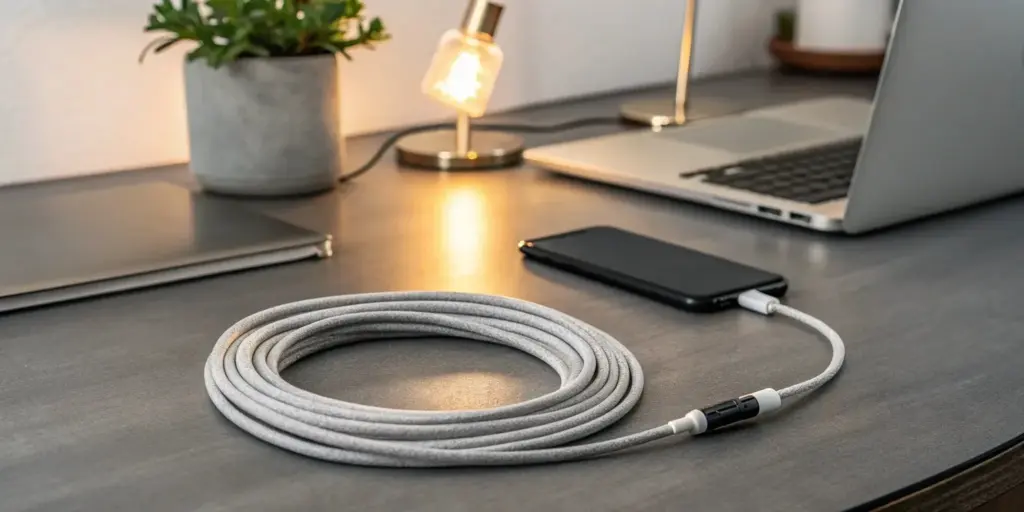
Overheating is usually a system problem: high wattage, poor airflow, thick phone cases, background workloads, and cheap cables all stack up. The simplest heat reduction strategy is to avoid worst-case conditions. Don’t fast charge under a pillow, on a bed, or in direct sun. If you’re charging a phone hard (especially while gaming or using navigation), remove the case or at least ensure airflow around the device. For laptops, don’t block vents and avoid charging in cramped bags. Now do a quick “trust but verify” test on any new charger/cable combo. Plug in your highest-draw device, let it charge for 10–15 minutes, and feel the cable ends and charger brick. Warm is normal; uncomfortably hot is not. If the cable end near the device gets hot, that often indicates high resistance at the connector or thin conductors—swap the cable. If the charger brick becomes scorching quickly, it may be running near its limit or it may be low quality. Speed test is simple too: if a laptop that normally charges at 65W is barely gaining battery while in use, your charger or cable isn’t negotiating the right power. If your phone fast-charges only sometimes, that can point to a cable that lacks the proper rating or a charger that can’t sustain the requested profile. One more habit that prevents heat spikes is using the right port: on multi-port chargers, the top USB-C port may be the highest output, and plugging into the “wrong” port can reduce power and increase charging time (which increases total heat exposure). The lifehack is to treat temperature as feedback. If a setup runs noticeably hotter than your known-good setup at similar charge levels, don’t “accept it”—replace the weak link and your devices will thank you over the long term.
Leave a Reply